Before installing the GFI AppManager appliance (i.e. the agent) it is necessary to register and set up a GFI AppManager Account.
Step 1
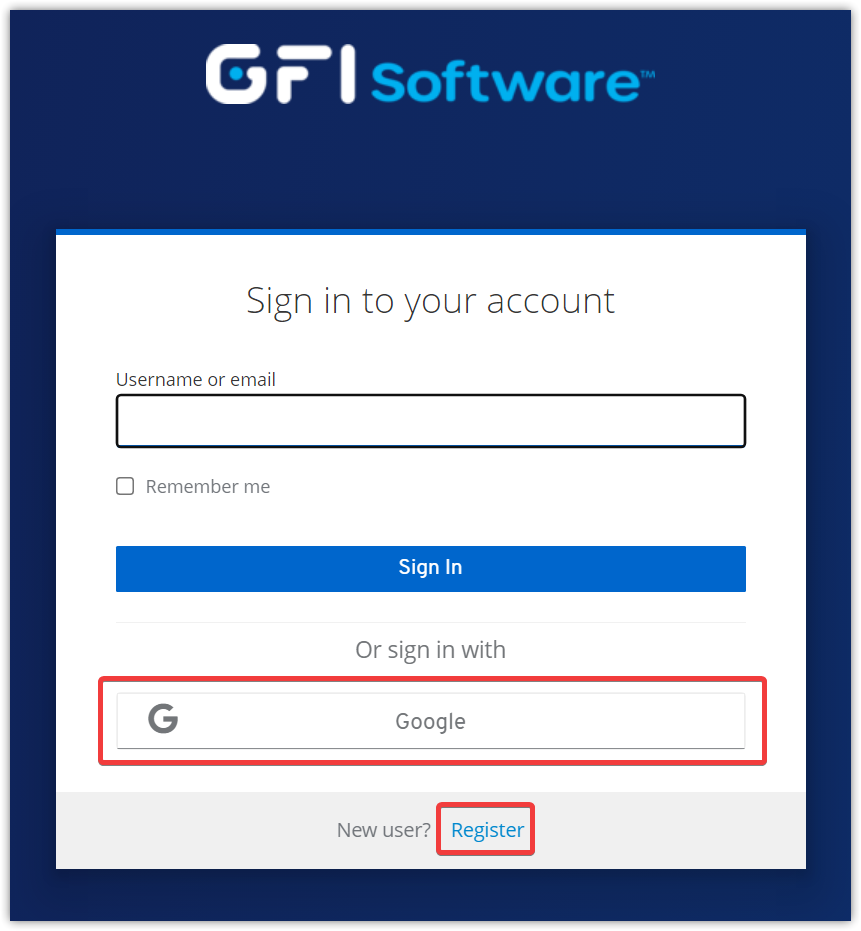
Navigate to appmanager.gfi.com and sign up by clicking the Register link. Fill in the registration form and click Register. Alternatively, a Google account can be used by clicking the Google button.
Step 2
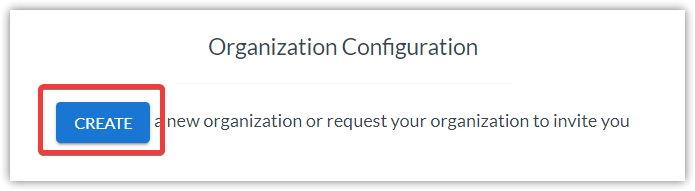
After completing the registration process, the Organization Configuration page will load. Click the CREATE button.
Step 3
In the pop-up window that appears next, select:
- No: set up an organization for a single company that will only manage its own appliances
- Yes: set up an account for an MSP that will be responsible for managing multiple appliances for multiple organisations
Enter the desired name for the organisation and click SUBMIT.

Step 4
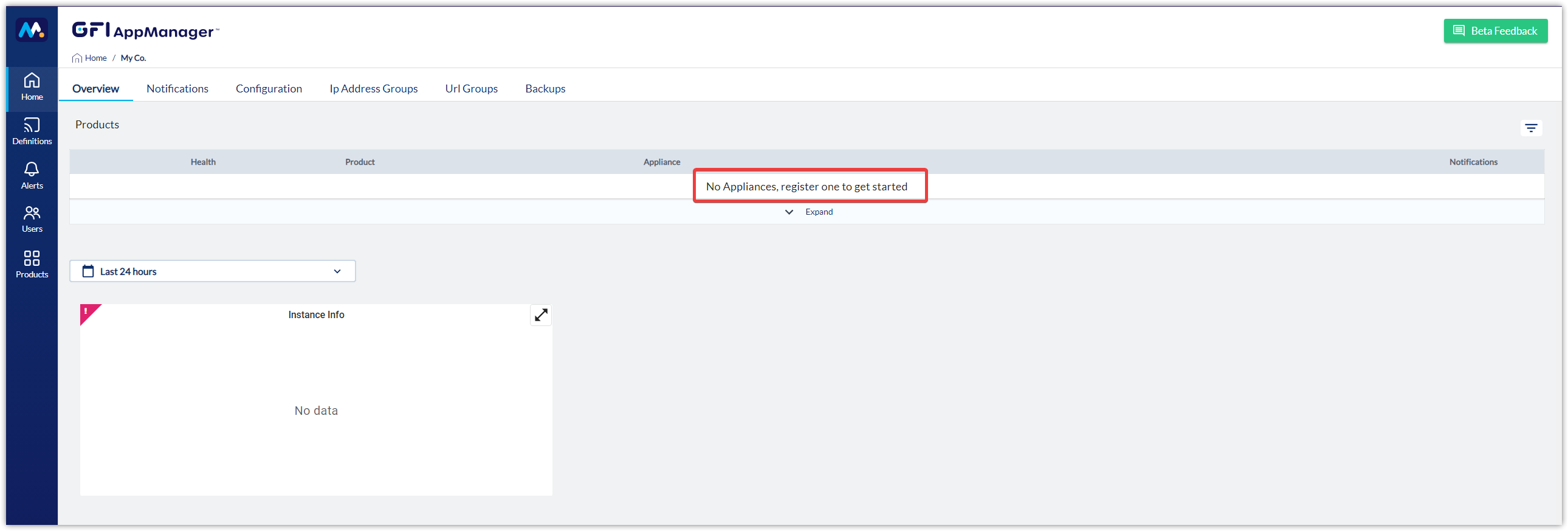
If choosing No in Step 3, the Overview page will open directly for the organisation created. The page will display the message No Appliances, register one to get started until a new appliance is added.
If choosing Yes in Step 3, the Home page will open, displaying the organisation created.

To add subsequent organisations that will be managed, click the + CREATE ACCOUNT button on the left.

To learn how to add appliances to your organisation(s) have a look at Appliance Deployment.
Related Articles
Priyanka Bhotika
Comments
Samir Paridha
Complit